Address
304 North Cardinal
St. Dorchester Center, MA 02124
Work Hours
Monday to Friday: 7AM - 7PM
Weekend: 10AM - 5PM
Address
304 North Cardinal
St. Dorchester Center, MA 02124
Work Hours
Monday to Friday: 7AM - 7PM
Weekend: 10AM - 5PM

Define the right LCD panel assembly for a 15.6-inch portable-monitor project, allocate backlight responsibility, and qualify the HDMI-to-eDP controller and bulk build.
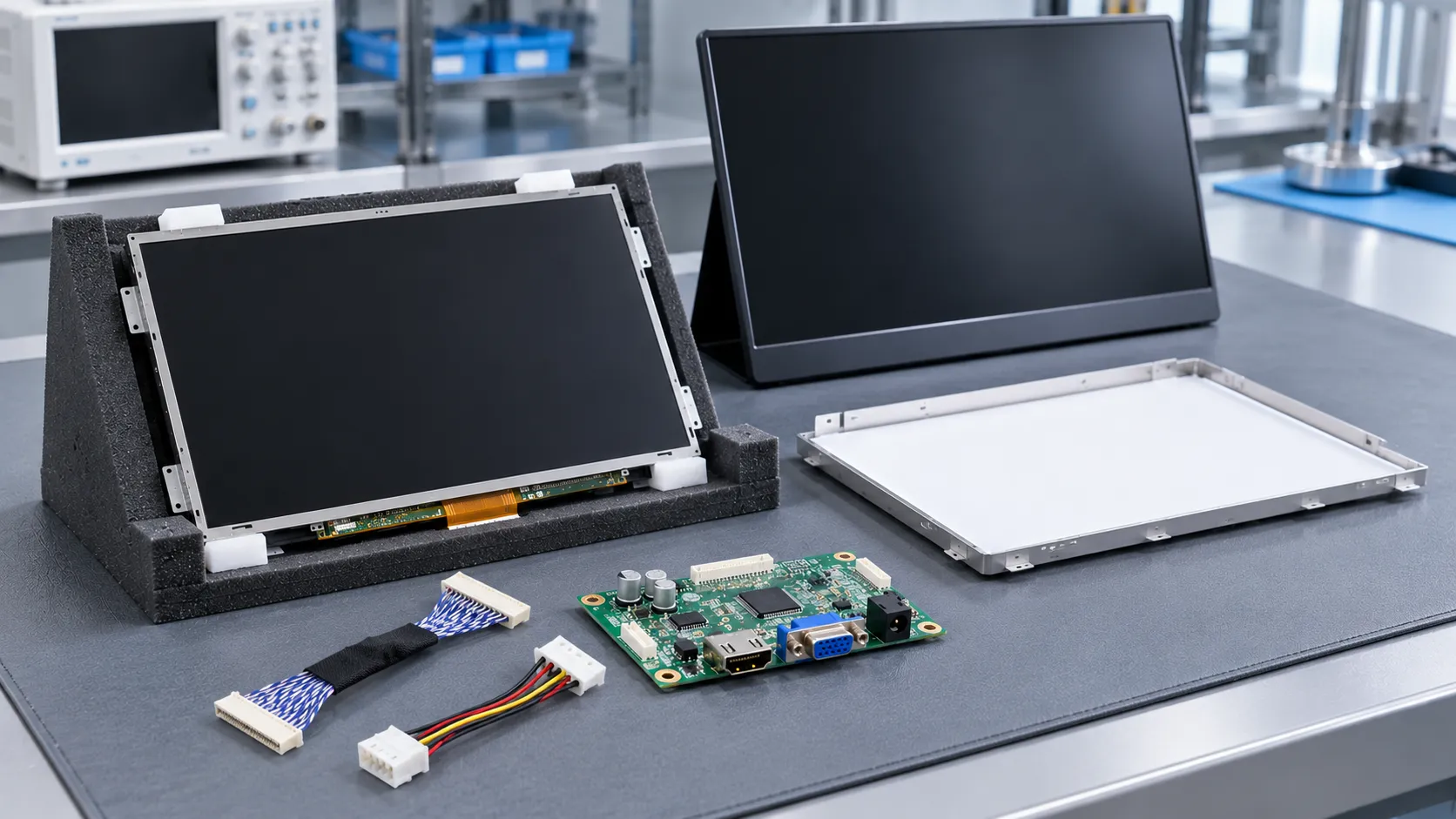
For a 15.6-inch portable-monitor project, define the LCD panel assembly as an agreed sourcing scope: panel or open cell, backlight, controller, cable and power system. If the selected panel uses native eDP and the host outputs HDMI, an active HDMI-to-eDP controller is required. Approve the complete build against the exact drawings, electrical requirements and acceptance criteria before volume production.
A 15.6-inch diagonal narrows the search, but it does not define the display you can ship. The sourcing decision starts with the finished product: usable screen area, enclosure thickness, viewing conditions and host output. A low component quote can transfer optical assembly, cable design or controller work to your team. Compare offers at the same delivery boundary.
Set a numeric resolution and refresh target around the content and host. Assess text and controls at the intended viewing distance; a diagonal alone says little about readable character size. For a thin enclosure, use drawings that include the PCB, connector, cable exit and bending space, rather than the visible glass outline alone.
Write the optical requirement as assembled-screen luminance, viewing directions and a named colour-space coverage target with a measurement basis. A percentage without its colour space does not define the requested gamut. Likewise, “wide viewing angle” needs a viewing criterion. Keep typical values separate from guaranteed limits when comparing offers; a thin, bright design also needs a realistic thermal and power budget.
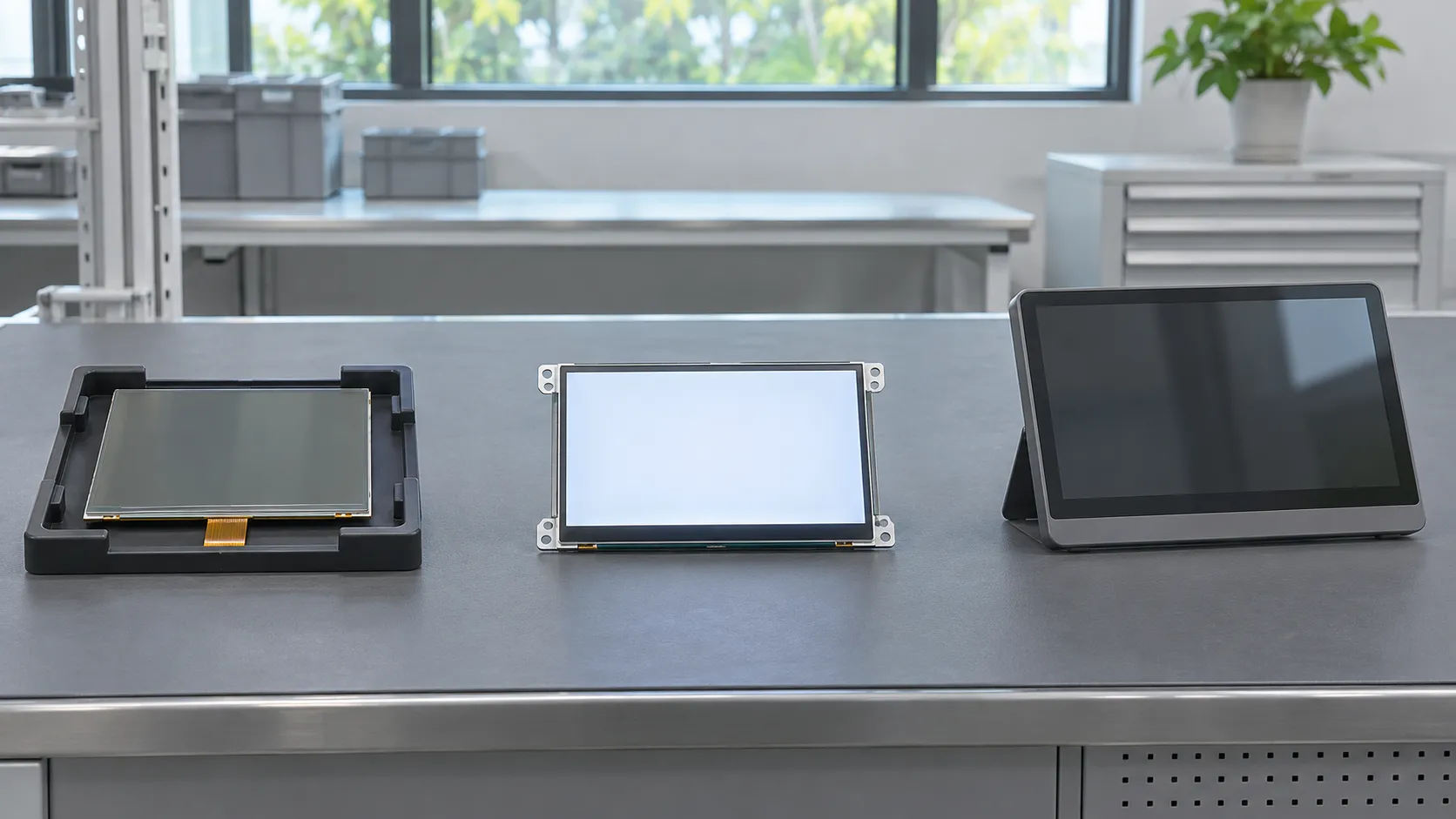
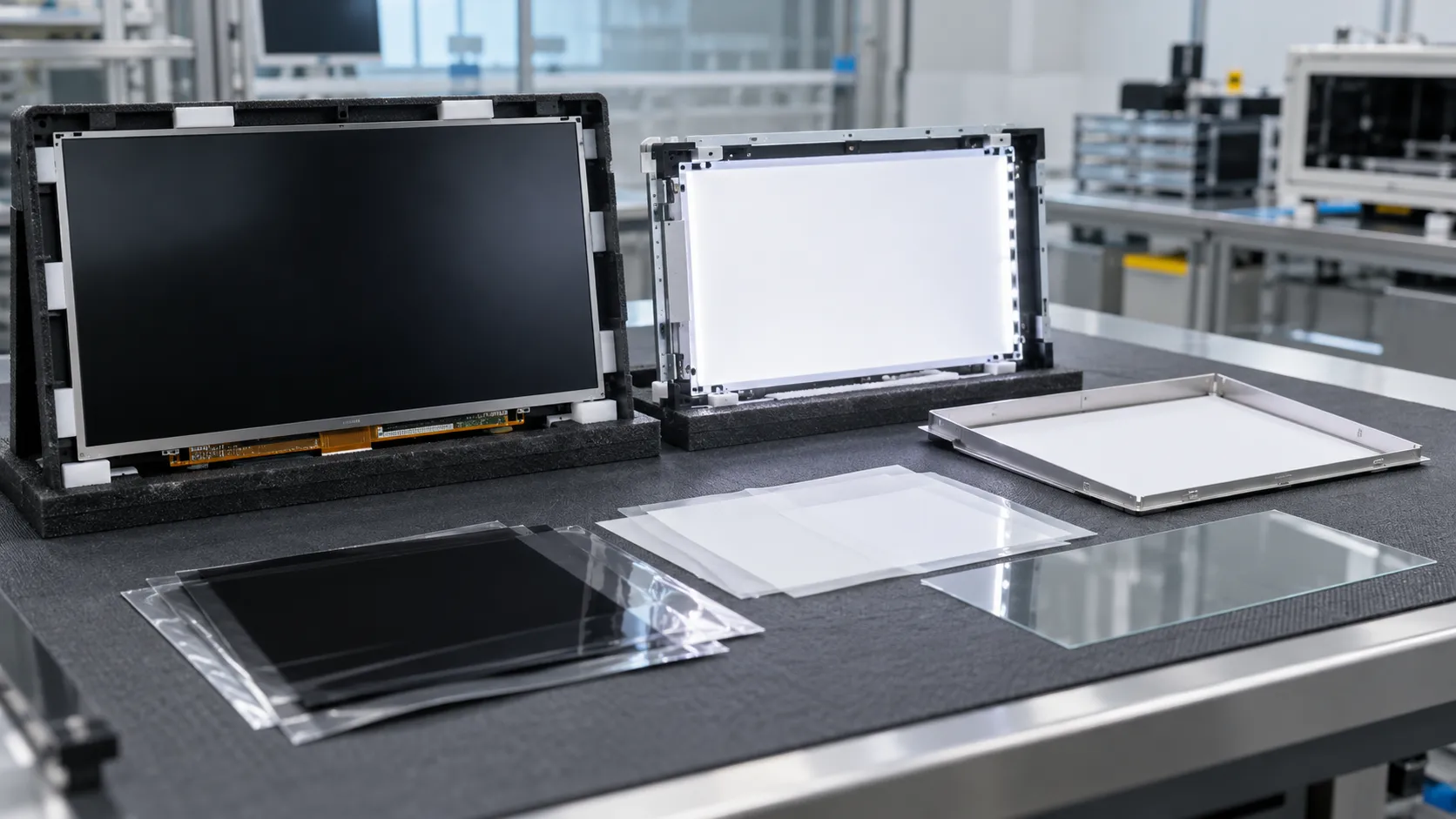
For this comparison, an open cell is the LCD cell assembly supplied without a backlight. AUO describes that boundary for its open-cell TV products. That terminology example does not identify a portable panel: use the exact specification and BOM to determine the offered form.
A documented backlit LCD module brings the cell and backlight together. It may still require an external controller, power conversion, cable, enclosure and final-system qualification. “Module” alone does not tell you whether an LED driver is included. A controller-ready kit moves another boundary, but its stated host modes and power requirements still matter.
| Route | Quoted scope | Work that remains | When it makes sense |
|---|---|---|---|
| Open cell | Cell assembly; backlight excluded in this comparison | Assembler owns optical stack, backlight and mechanical integration | A team with a qualified assembly design and process |
| Backlit LCD module | Cell and backlight as documented; other inclusions vary | Integrator owns controller, harness, power and enclosure fit | A project seeking to reduce optical assembly work |
| Matched display kit | Documented module, controller and harness combination | Buyer still qualifies the kit in the intended host and enclosure | A project prioritizing a defined integration boundary |
Choose open cell when the cost and design freedom justify owning the remaining assembly work. Choose a backlit module or documented kit when reducing that work is more valuable. Compare the completed, accepted build cost, including assembly yield, engineering effort and rework, rather than the glass price alone.
Adding a backlight involves more than attaching a driver board. In an edge-lit design, LEDs feed a light guide that distributes light behind the LCD. Texas Instruments’ backlight reference design explains the illumination path, LED drive and temperature-control considerations. Its automotive design is mechanism evidence, not a portable-monitor BOM or recommended circuit.
For a separate-backlight route, assign ownership of the LED bar, light guide, reflector, optical films, supporting frame and driver arrangement. The drawing must define the intended stack and tolerances. Dust control, film orientation, cell support and assembly pressure belong in the manufacturing review; evaluate the resulting uniformity and visible defects on the completed sample.
The LED circuit and panel logic are different loads. Establish LED-string voltage and current, driver location, dimming control and heat removal from the actual assembly documentation. An included driver changes the supply boundary; a bare LED arrangement leaves current regulation elsewhere. Compare luminance at agreed drive and temperature conditions, then review edge leakage and uniformity in the intended enclosure.
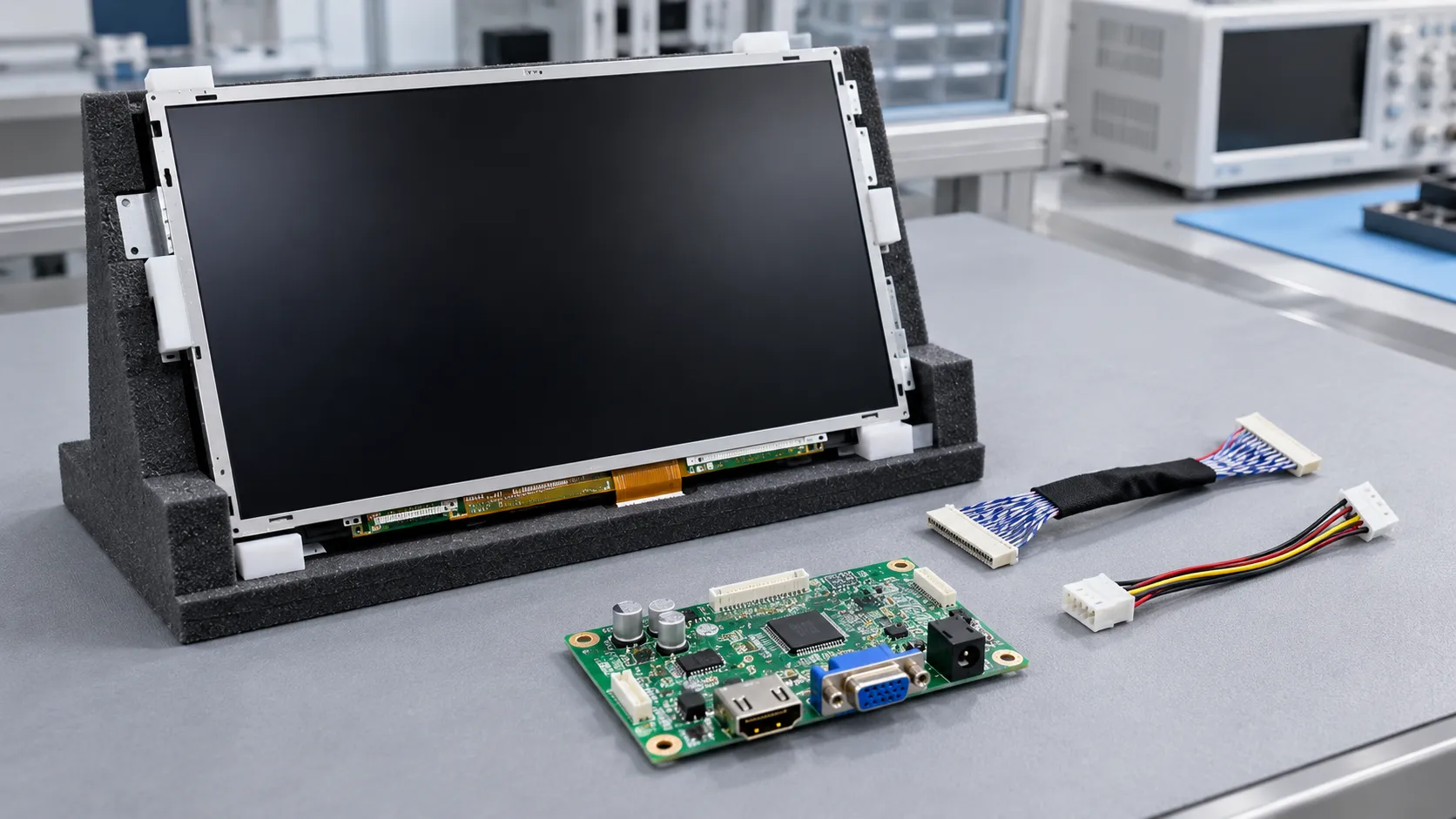
HDMI describes the host-facing video connection in this design. Native eDP is the selected panel’s internal video interface. The signal path is host HDMI output → active controller → specified eDP harness → panel. A passive connector adapter does not perform that conversion. Winstar documents an integrated board converting HDMI input to eDP in one of its own display modules; this illustrates the architecture, not a recommendation for another panel.
If the buyer supplies an “HDMI board,” ask for its exact part number, hardware revision, firmware and panel-output documentation before selecting around it. HDMI input does not establish eDP output. Even a board with the right interface needs a suitable panel configuration and cable.
Use the connector manufacturer’s part numbers, contact orientation and panel pin table to map the harness end to end. Pin count alone cannot establish where power, ground, control and high-speed signals belong. For native eDP, review lane count, supported link rate, AUX and link-training requirements, colour depth and the board’s supported panel configuration.
Resolution and refresh rate are only part of timing: pixel clock, horizontal and vertical totals, blanking and allowed ranges belong to the exact panel specification. Separate the host’s HDMI modes and EDID behaviour from the controller’s panel-side timing. If the host mode differs from the native mode, establish whether the board supports the needed scaling; do not assume every bridge does.
The controller input supply, panel logic supply and backlight supply may have different requirements. Trace each rail and its maximum load through the actual board and harness; do not apply a controller’s input voltage directly to the panel. Digital View explains why power sequencing differs from video timing: supply, valid video and backlight transitions have panel-specific timing windows. A steady picture at room temperature does not prove those windows are respected.
Qualify the documented configuration with the intended host, enclosure and power source, including power-up, power-down, sleep/wake and brief interruptions. Record the board configuration and cable revision with the approved sample. Supplying a board and accepting the integrated display are separate responsibilities; the purchase scope should name who owns both.
A sample that lights up settles only a small part of procurement. Use a controlled build record tying the exact panel identity and revision to the backlight BOM, controller firmware, cable drawing and enclosure. Ask the supplier to identify proposed changes before delivery; even familiar part numbers need configuration control. Vernon’s LCD revision-change revalidation guide discusses the separate decision of what to requalify after a change.
Agree measurable acceptance before negotiating volume. Define pixel-defect classes and counts, dust and cosmetic limits, luminance and uniformity measurement points, operating conditions and viewing criteria. Separate incoming inspection from assembled functional tests. Set sampling, test duration and escalation rules in the purchase agreement; “stable quality” is not an acceptance limit.
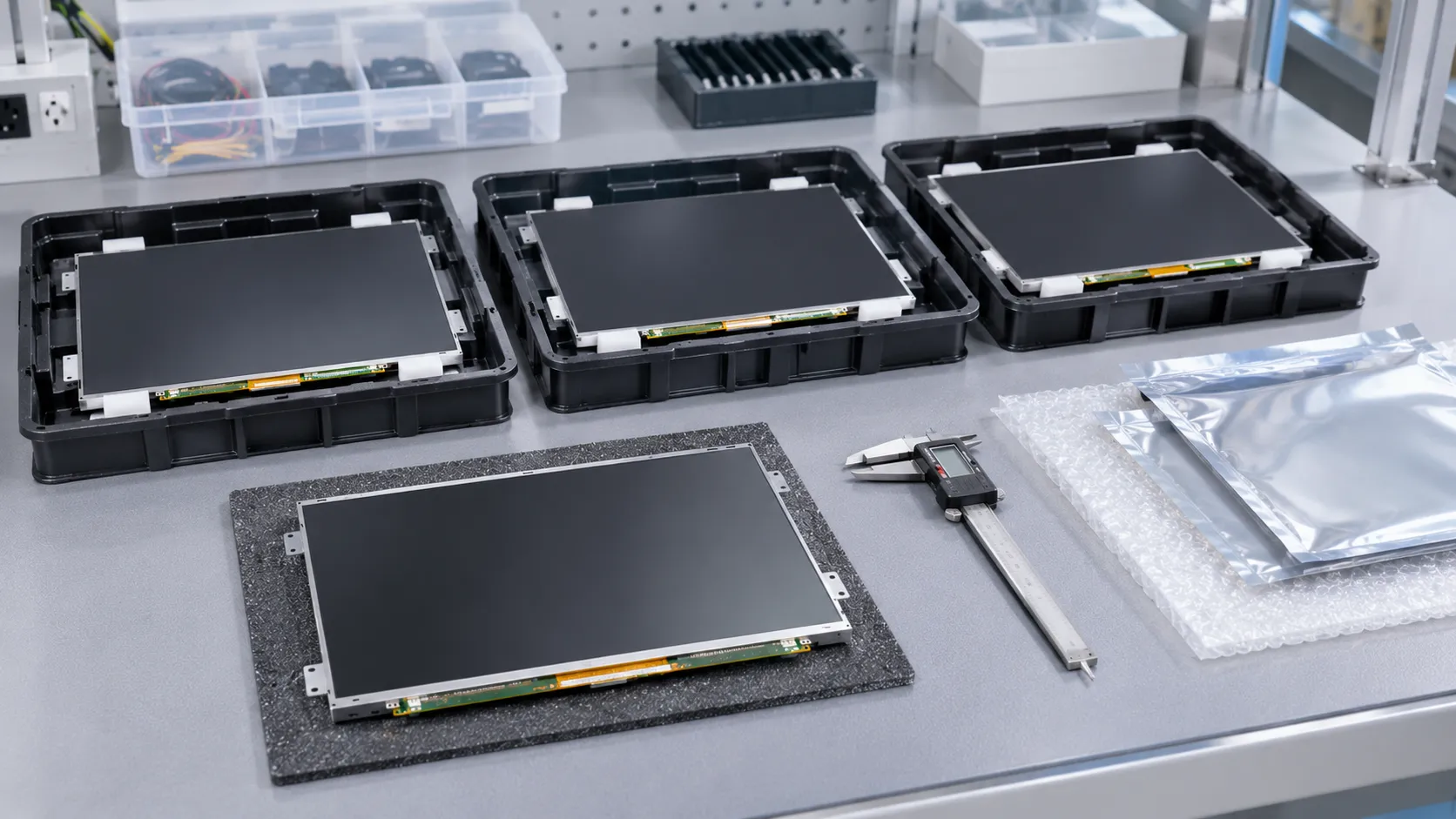
Include host-mode and wake-up behaviour, connector retention, mechanical clearance and thermal operation in the qualification plan. Packaging needs protection for the actual delivered form, with separated surfaces and supported fragile areas; agree how transport damage is assessed. These are proposed buyer acceptance controls, not reported Vernon tests or universal pass limits.
For comparable quotations, state quantity and forecast, currency and unit, delivery term, destination, validity, included components and responsibility for rejected units. Request lot traceability and an agreed change-notification process. A second source should receive its own qualified build record; similarity in size or appearance does not establish interchangeability.
Use the LCD product catalogue as a separate product-navigation step. Category membership does not establish suitability for a portable-monitor build; exact-model selection remains dependent on the project evidence.
No. Review the specific HDMI input mode, panel-side output mode, scaling capability and stored configuration. A maximum resolution describes a limit, not every timing combination within it.
Keep an identified reference assembly and its build record as the agreed comparison baseline. Define how it will be stored and how later lots will be assessed; a sample without a revision record cannot identify every approved component.
Agree a fault-isolation and return process across the panel, backlight, cable and buyer-supplied board before ordering. Allocate investigation, rework and replacement costs in the commercial agreement rather than leaving a split assembly without an accountable integration owner.
Vernon is a trading company and China sourcing partner supporting overseas B2B display buyers with requirement clarification, sourcing communication, and supplier coordination.

About the Author
General Manager, Vernon
Saiva is the General Manager of Vernon, a trading company and China sourcing partner supporting overseas B2B display buyers. She supports requirement clarification, supplier coordination, and sourcing communication for LCD display projects.
Send your target drawing, optical requirements, host output, proposed panel documentation, controller model and revision, backlight scope, quantity and target market. Ask Vernon to help clarify the sourcing requirement; project suitability requires its own evidence.