Address
304 North Cardinal
St. Dorchester Center, MA 02124
Work Hours
Monday to Friday: 7AM - 7PM
Weekend: 10AM - 5PM
Address
304 North Cardinal
St. Dorchester Center, MA 02124
Work Hours
Monday to Friday: 7AM - 7PM
Weekend: 10AM - 5PM

Compare 18.5- and 21.5-inch kiosk display directions, assembly scope, optical bonding and HDMI integration before qualifying a purchase.
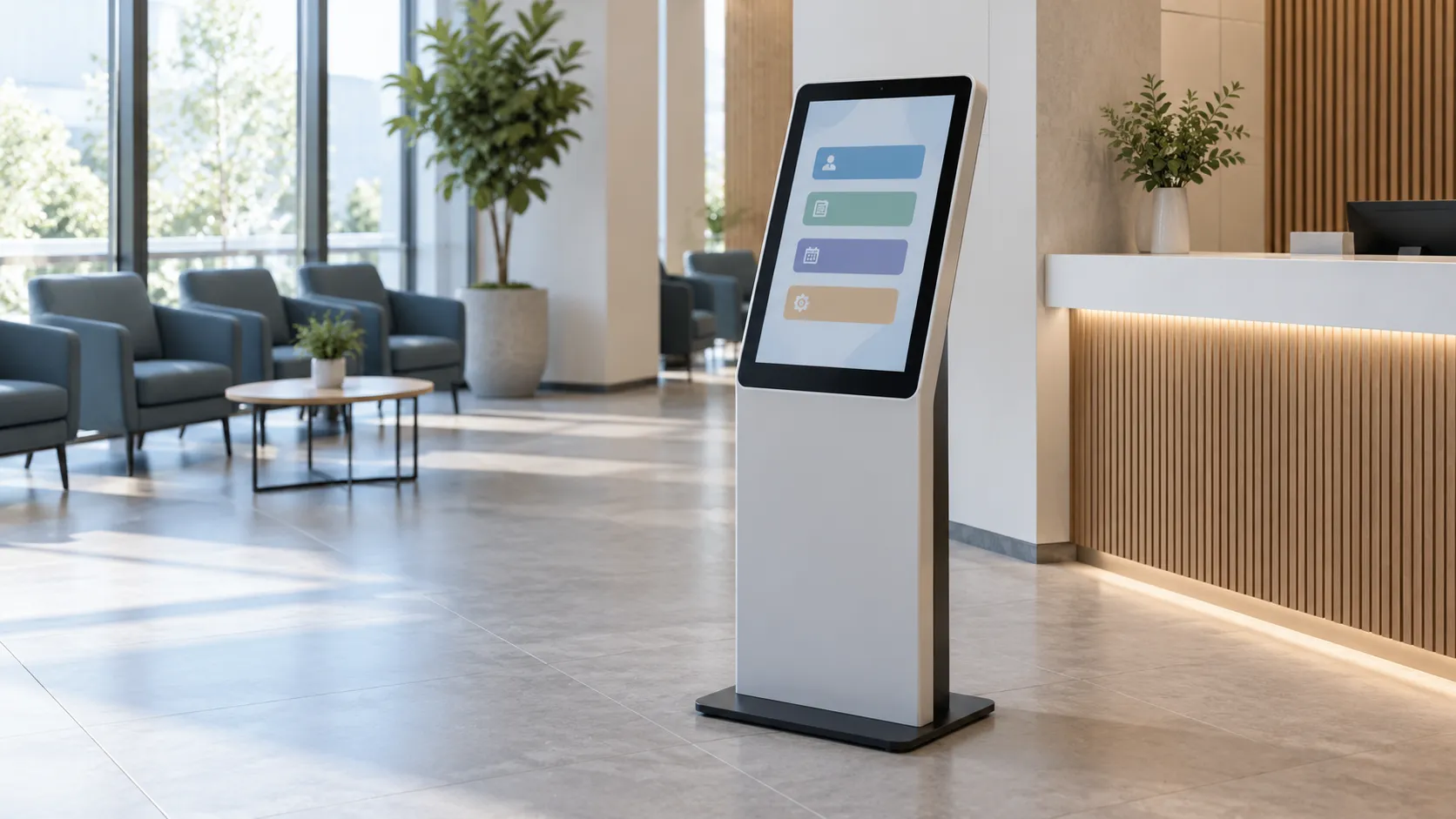
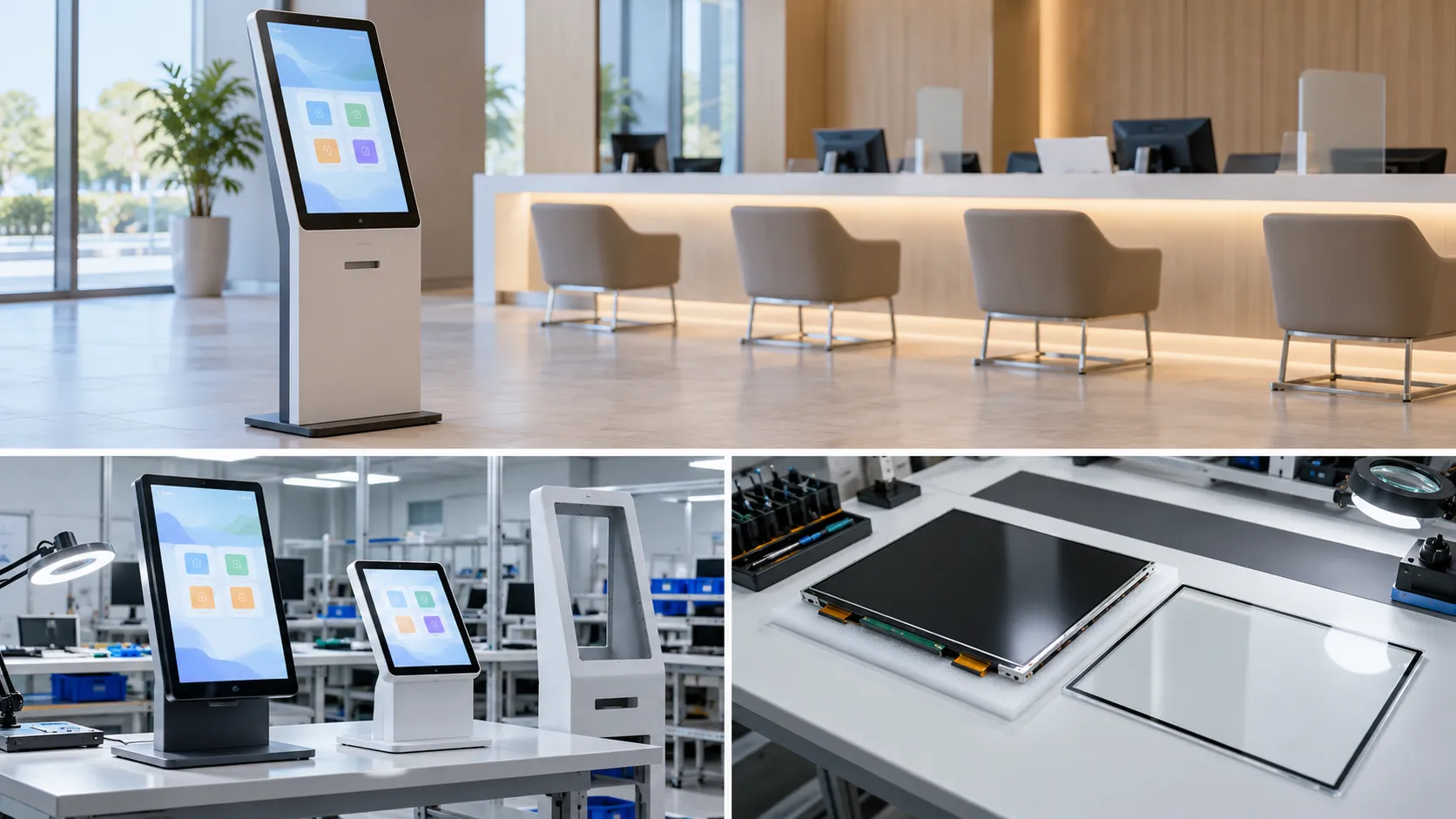
For an 18.5- or 21.5-inch queue kiosk, choose the footprint around the interface, then allocate backlight, touch and controller integration. Qualify that assembly with the intended host; HDMI alone does not establish compatibility.
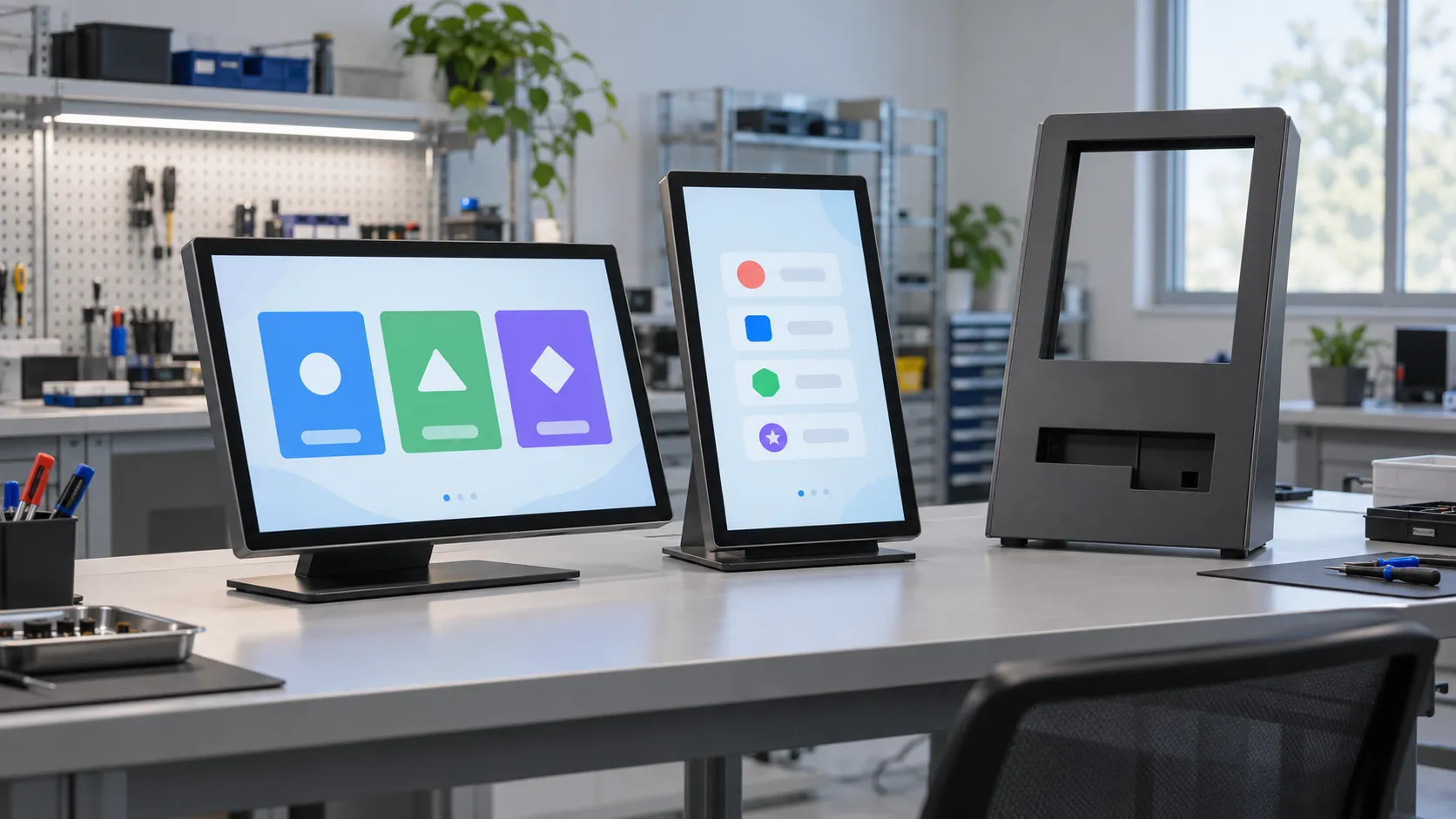
A queue kiosk needs readable, reachable service choices. An 18.5-inch direction may suit a constrained cabinet; a 21.5-inch direction offers more screen area at the same aspect ratio. The gain depends on the interface layout: diagonal size does not set resolution or text size.
Review the actual UI at its intended scale and orientation against active-area, cover-glass and complete-assembly drawings. Agree pixel resolution, viewing positions and assembled-screen luminance through the final front stack; “indoor” and “wide viewing angle” leave those acceptance conditions undefined.
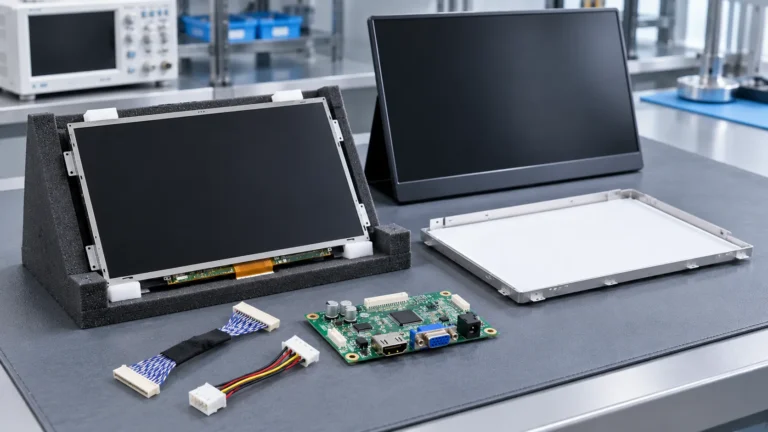
The choice is where assembly responsibility sits. For example, AUO describes open-cell TV products as supplied without a backlight module. For a kiosk offer, establish whether the delivered item includes a backlight, touch stack, controller, harnesses and power supplies.
An open-cell direction calls for an integration owner with a qualified backlight and mechanical design. A documented backlit module can reduce component-level assembly work, while the quotation still needs an explicit delivery scope.
For projected-capacitive touch, define the cover glass, sensor, adhesive and LCD as one stack. Filling the optical air gap can reduce internal reflections; it does not establish lifetime, sealing or fog resistance for the offered assembly.
3M’s optical-adhesive guidance discusses LCD mura, touch-sensor properties and substrate risks. Use the stack drawing to set optical and environmental tests, then evaluate edge and corner touch with the intended glass, mounting and operating conditions.
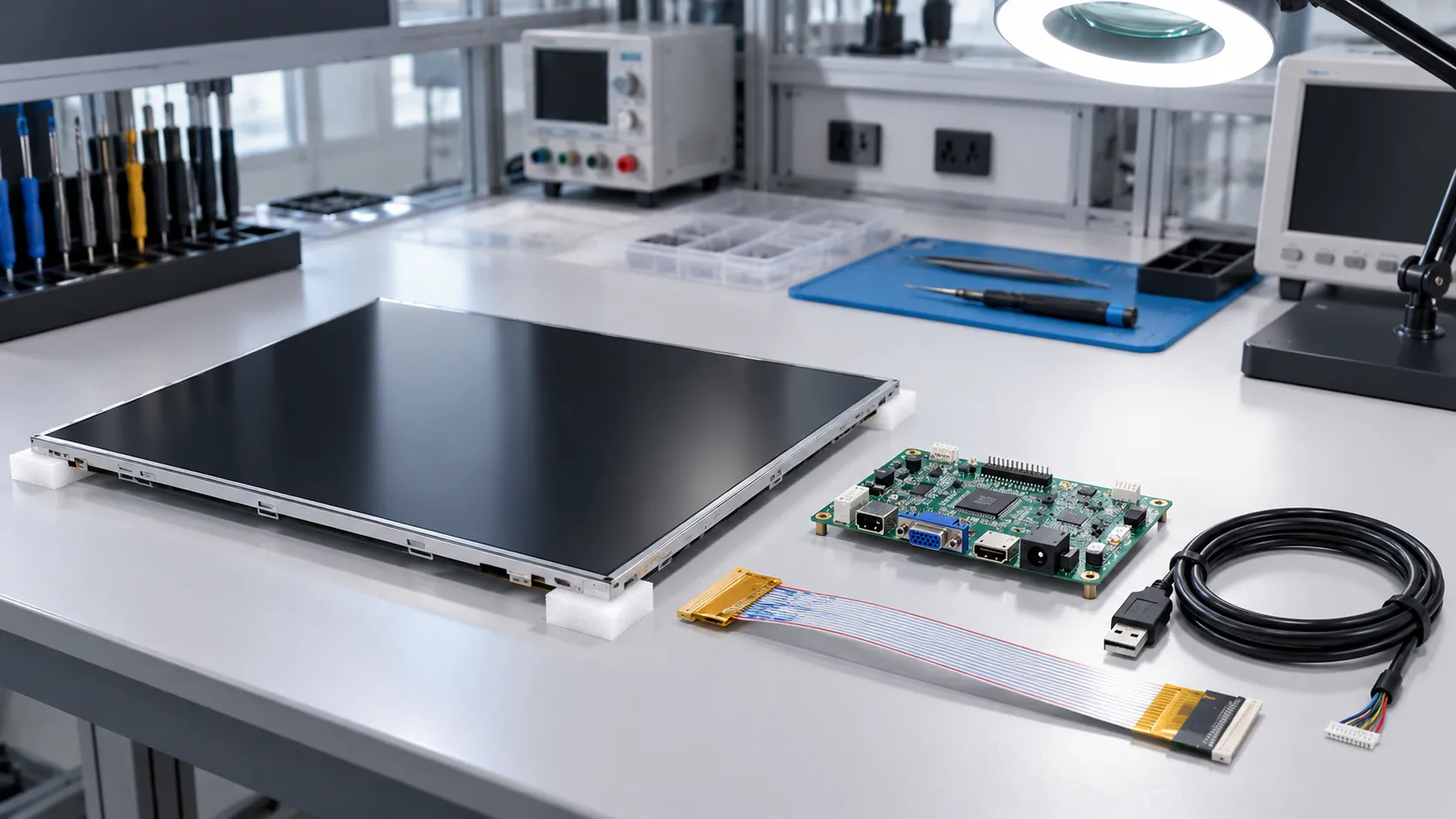
Panel inputs vary by model. With an HDMI-output host and a panel with verified native LVDS input, the illustrated video path uses an active controller. Digital View’s HDMI-input, LVDS-output controller documentation provides one architecture example.
Video: host HDMI output → matched controller → LVDS harness → LCD input.
Touch: touch controller → separate USB data connection → host (this configuration).
Power: specified supplies and drivers → qualified panel, backlight, controller and touch loads.
Match panel timing, LVDS mapping, channel count, bit depth, pinout and voltage to the controller configuration. In this HDMI-plus-USB example, Elo’s connection guidance shows separate USB touch data. Qualify backlight drive and system power separately; assess startup, wake-up, image orientation and touch coordinates on the intended host and OS.
Resolve the choices below for the same identified assembly. Connect its quotation, BOM, firmware, drawings and sample record; Vernon’s LCD specification evidence guide explains why document status and applicability are separate questions.
| Selection axis | Choice to resolve | Evidence connecting the choice to the offer |
|---|---|---|
| Footprint and UI fit | 18.5 or 21.5 inches, around the actual UI and cabinet | Active-area and full-stack drawings; orientation, viewing conditions and UI trial |
| Assembly ownership | Open cell plus separate backlight, or a documented backlit module | Delivery scope, backlight/mechanical owner, assembly BOM and drawing revisions |
| Signal, touch and power | Controller matched to panel input; separate touch data and qualified power paths | Actual host/OS, firmware, timing/pinout, power budget and assembly-test records |
Record the selected choices, applicable document revisions and sample-test disposition together. An unresolved requirement stays open in that record.
Define them separately. A visitor-operated touch terminal and a shared waiting-area information screen serve different users; one display specification should not stand in for both.
No. Require enclosure-level evidence for the specified ingress-protection requirement; a bonded optical stack alone is not that evidence.
Treat either as a separate requirement. Ask for a demonstrated result with the intended glove or surface condition on the proposed host and touch stack.
Vernon is a trading company and China sourcing partner supporting overseas B2B display buyers with requirement clarification, sourcing communication, and supplier coordination.

About the Author
General Manager, Vernon
Saiva is the General Manager of Vernon, a trading company and China sourcing partner supporting overseas B2B display buyers. She supports requirement clarification, supplier coordination, and sourcing communication for LCD display projects.
Send your cabinet drawing, preferred size, host and OS, optical and touch requirements, quantity and target market. Ask Vernon to help clarify the sourcing scope.